
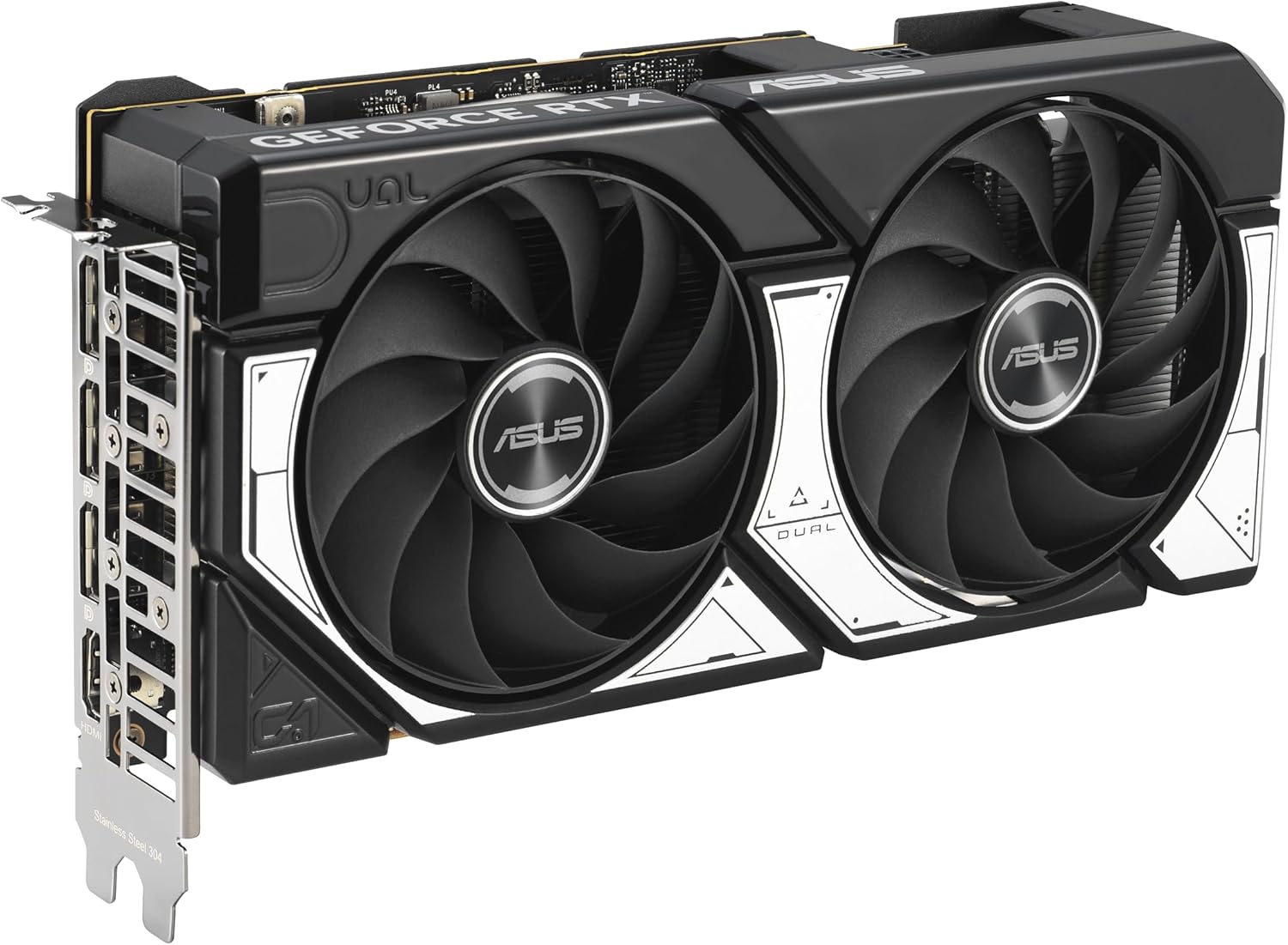
Last updated: March 2026
Some links on this page are affiliate links. If you buy through them we may earn a small commission at no extra cost to you.
1080p is still the most common gaming resolution for a reason. It is easier to drive than 1440p or 4K, which means you can reach higher frame rates without needing an expensive graphics card. That matters whether you are building a new PC, upgrading an older one, or trying to make the most of a 144Hz or 240Hz monitor.
If you are trying to find the best GPUs for 1080p gaming in 2026, the right answer is not always the fastest card. It is the card that makes the most sense for the money. In 2026, that means balancing raw FPS, VRAM, pricing, power efficiency, and features like DLSS or frame generation. After reviewing the current market and comparing recommendations from major hardware outlets, these are the 1080p GPUs that are actually worth buying right now.
On this page
- Quick Picks
- GPU Comparison
- Real 1080p FPS Performance
- CPU Pairing Guide
- GPU Breakdown
- Frequently Asked Questions
Quick Picks – Best GPUs for 1080p Gaming
If you just want the short version, these are the GPUs that currently make the most sense for 1080p gaming. The picks below balance real-world performance, pricing, and long-term usability rather than simply recommending the fastest card on the market.
1080p GPU Comparison at a Glance
Once you narrow down the best options, it helps to compare the technical differences side by side. The table below highlights the specifications that matter most for 1080p gaming, including use case, VRAM capacity, and approximate power draw.
| GPU | Best For | VRAM | Power Draw |
|---|---|---|---|
| Radeon RX 9060 XT 16GB | Our Pick | 16GB | ~190W |
| GeForce RTX 5060 Ti | 165Hz to 240Hz gaming | 8GB | ~180W |
| GeForce RTX 5050 | Budget NVIDIA builds | 8GB | ~130W |
| Radeon RX 6600 | Cheapest viable 1080p | 8GB | ~132W |
| Radeon RX 7800 XT | 240Hz or future 1440p | 16GB | ~263W |
Real 1080p FPS Performance in Popular Games
Specifications only tell part of the story. What most gamers really want to know is how these GPUs perform in actual games. To give a realistic view of 1080p performance, we looked at how these cards handle several of the most played modern titles including Call of Duty, Fortnite, Cyberpunk 2077, and Starfield.
FPS estimates below reflect typical averages at 1080p High settings using aggregated benchmark data from Tom’s Hardware, TechPowerUp, and Hardware Unboxed testing. Actual performance will vary depending on the game, driver version, and the rest of your system.
| GPU | Call of Duty | Fortnite | Cyberpunk 2077 | Starfield | Avg FPS |
|---|---|---|---|---|---|
| RX 7800 XT | ~200 | ~260 | ~145 | ~110 | ~179 |
| RTX 5060 Ti | ~180 | ~240 | ~135 | ~100 | ~164 |
| RX 9060 XT 16GB | ~175 | ~230 | ~130 | ~95 | ~158 |
| RTX 5050 | ~135 | ~200 | ~100 | ~75 | ~128 |
| RX 6600 | ~125 | ~190 | ~90 | ~70 | ~119 |
Find the Right 1080p Monitor for Your GPU
Not sure whether you should be looking at 165Hz, 240Hz, or 360Hz?
Use our Monitor Match Tool to find the right 1080p setup based on the games you play and how you want to play them.
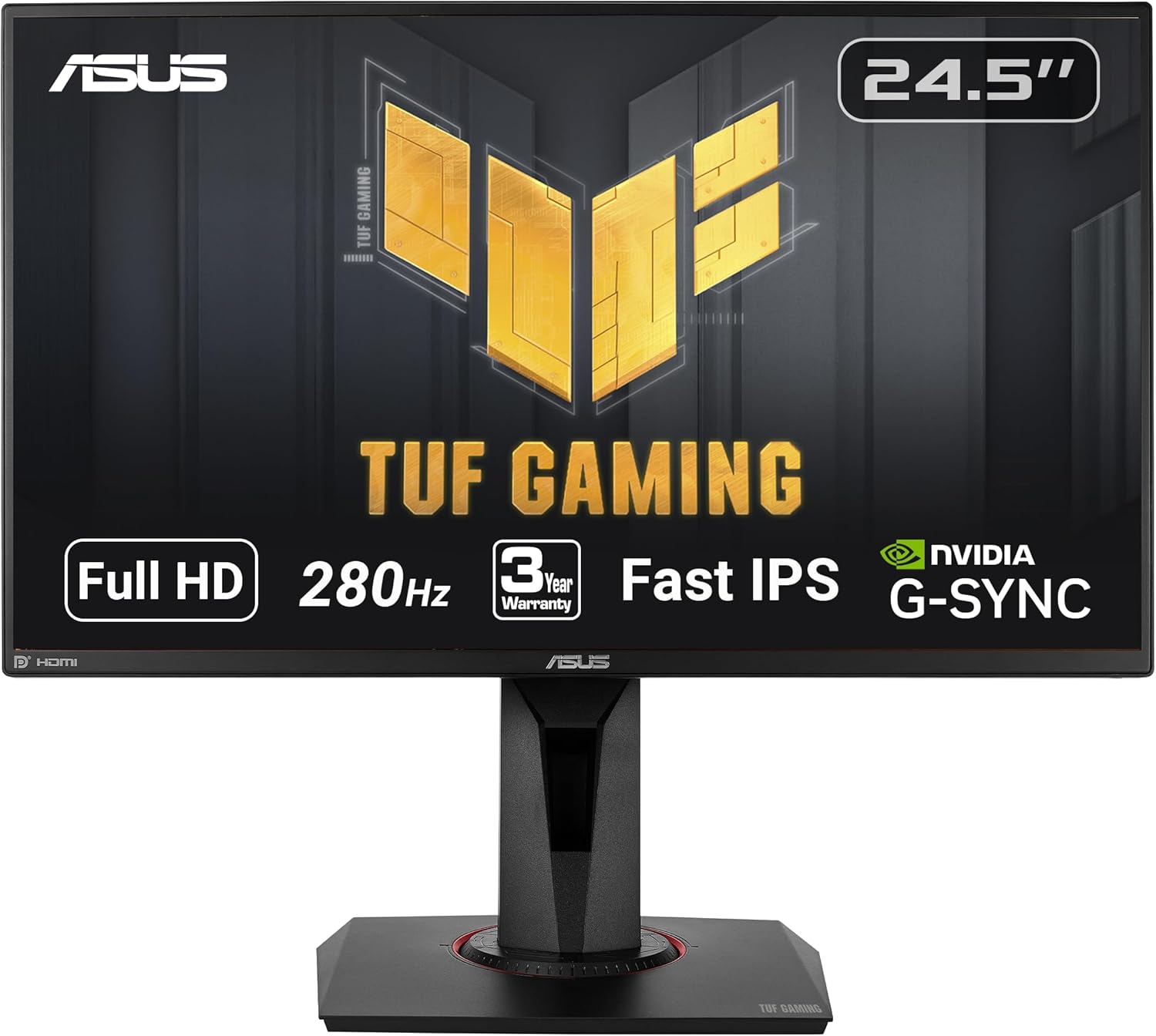
If you are building a full gaming PC around one of these GPUs, start with our Best $1,000 Gaming PC Build for 1080p 2026 guide. It walks through the exact parts we recommend for a balanced 1080p build.
Best CPU Pairings for 1080p Gaming GPUs
At 1080p, the CPU can matter almost as much as the graphics card. Because the GPU is not working as hard as it would at 1440p or 4K, the processor plays a larger role in determining maximum frame rates, especially in competitive titles.
Pairing a powerful GPU with a weak CPU can create bottlenecks that limit performance. The CPUs below represent balanced pairings that allow each graphics card to perform at its full potential without overspending on unnecessary processor power.
| GPU | Ideal CPU Pair | Why This Pair Works |
|---|---|---|
| Radeon RX 6600 | Ryzen 5 5600 | Excellent budget pairing that avoids bottlenecks in most 1080p titles. |
| GeForce RTX 5050 | Ryzen 5 5600 / Intel i5-12400F | Both CPUs deliver strong gaming performance at a low price for budget builds. |
| GeForce RTX 5060 Ti | Ryzen 5 7600 / Ryzen 5 9600X | Ideal for 165Hz to 240Hz gaming where CPU headroom starts to matter more. |
| Radeon RX 9060 XT 16GB | Ryzen 5 7600 | Balanced pairing with enough CPU performance for high refresh 1080p gaming. |
| Radeon RX 7800 XT | Ryzen 7 7700X | Extra CPU headroom helps maintain very high frame rates in competitive games and leaves room for a future 1440p upgrade. |
These CPU recommendations are meant for new builds. If you already own a capable modern processor, upgrading your GPU will usually deliver a larger performance improvement than upgrading your CPU.
If you are building a full system instead of upgrading just the GPU, you may also want to see our Best $1,000 Gaming PC Build for 1080p 2026, Best $1,000 Gaming PC Build for 1440p 2026, and Best $1,500 Gaming PC Build for 1440p 2026 guides. Not sure how much to spend on the CPU for your build? See our Best Budget CPUs for Gaming 2026 guide for the exact decision logic. Not sure how much RAM your build needs? See our How Much RAM Do You Need for Gaming 2026 guide.
Understanding Real 1080p GPU Performance
Average FPS numbers are useful, but they do not always show how cards compare across different styles of games. Some GPUs shine in esports titles, while others make more sense for heavier AAA games, long-term VRAM headroom, or a future move beyond 1080p.
Across modern 1080p benchmarks, performance falls into three broad categories: high-refresh NVIDIA builds, long-term value picks with 16GB VRAM, and budget entry points. The picks below explain where each card fits and why it makes sense.
Our Pick for 1080p Gaming: Radeon RX 9060 XT 16GB
The RX 9060 XT 16GB is the most complete recommendation at this resolution because 16GB of VRAM gives it real longevity, performance is strong across both competitive and AAA titles, and it is the card we actually use in our $1,000 1080p build. At 1080p it handles everything from esports to demanding AAA games at ultra settings comfortably. The real advantage shows over time as game texture demands continue to rise.
Ray tracing is the honest weakness. RDNA 4 has improved AMD’s ray tracing performance meaningfully over last generation, but NVIDIA still holds a clear advantage in heavy RT scenarios. FSR 4 upscaling is competitive with DLSS 4 in supported titles and continues to improve.
If you are planning a full system around this GPU, our Best $1,000 Gaming PC Build for 1080p 2026 uses it as the primary recommendation and walks through every compatible component.
Who should buy it: Anyone building or upgrading who wants strong 1080p performance today and real longevity over the next three to four years.
Best High-FPS GPU for 1080p Gaming: GeForce RTX 5060 Ti
The RTX 5060 Ti is the right choice when NVIDIA’s feature ecosystem specifically matters to you. DLSS 4 with Multi Frame Generation is a real advantage in supported titles, and NVIDIA’s encoder is the better option for streamers. Raw 1080p raster performance is strong and it handles 165Hz to 240Hz monitors well in competitive titles.
The honest tradeoff is VRAM. At 8GB, this card is already showing limitations in some demanding 2026 titles at 1440p, and that gap will widen over time. For 1080p-focused gaming it remains strong today, but the RX 9060 XT 16GB ages better. If you are deciding between the RTX 5060 Ti and the RX 9060 XT across all four configurations including the 16GB versions of both, see our RTX 5060 Ti vs RX 9060 XT 2026 comparison for the full breakdown. For the full parts list at this budget, see our $1,000 Gaming PC Build for 1080p 2026.
Who should buy it: Buy the RTX 5060 Ti if DLSS 4, Frame Generation, or NVIDIA’s encoder matters to you and you are primarily gaming at 1080p.
Best Budget GPU: GeForce RTX 5050
The RTX 5050 is not the kind of card you buy because it is exciting. You buy it because it makes sense when your budget is tight and you still want a current-generation NVIDIA option that should do the job without unnecessary headaches.
Who should buy it: Buy the RTX 5050 if your budget is tight and you want a safer low-cost NVIDIA card.
Cheapest GPU Worth Buying: Radeon RX 6600
The RX 6600 is old enough now that some buyers dismiss it too quickly, but it still has a place. For true entry-level 1080p builds, it remains one of the few cards that can make sense without feeling like a bad purchase.
Who should buy it: Buy the RX 6600 if you need the lowest-cost recommendation here that still makes sense for modern 1080p gaming.
Best Stretch Pick: Radeon RX 7800 XT
For a typical 1080p buyer, the RX 7800 XT is overkill. That is exactly why it becomes a good stretch recommendation for the right person. If you are using a 240Hz monitor, play mostly esports titles, or know that a 1440p upgrade is coming soon, this is the kind of card that can make sense. It gives you significantly more headroom than most 1080p GPUs and allows you to step into 1440p gaming later without replacing your graphics card.
Who should buy it: Buy the RX 7800 XT if you want very high-refresh 1080p now and a credible path to 1440p later.
Why 1080p Still Matters in 2026
A lot of PC enthusiasts talk as if 1440p is now the default, but 1080p still makes the most sense for a huge portion of gamers. It is easier on the GPU, makes high refresh rates more achievable, and lets budget and midrange cards stay relevant longer. For competitive titles like Call of Duty, Fortnite, Apex Legends, Valorant, and CS2, 1080p also makes it easier to push frame rates into the range where 144Hz, 165Hz, and 240Hz monitors actually shine.
If you are considering a resolution upgrade later, see our guide to the Best Budget 1440p Gaming Monitors 2026. Not sure if your current GPU is ready for that jump? See our Should You Upgrade to 1440p Gaming in 2026 guide for an honest breakdown by GPU tier and real upgrade costs.
Frequently Asked Questions
Choosing the right GPU for 1080p gaming raises a lot of questions, especially when balancing price, performance, and long-term value. These are some of the most common questions gamers ask when deciding which graphics card makes the most sense for a 1080p setup.
Is 8GB VRAM enough for 1080p gaming in 2026?
For most games today, yes. 8GB is still enough for many modern titles at 1080p, especially at high settings. However, some newer games are starting to push memory limits, which is why GPUs with 12GB or 16GB of VRAM may offer better long-term headroom. For a full breakdown of when 8GB is still enough and when 16GB is worth it, see our 8GB vs 16GB VRAM for Gaming 2026 guide.
What is the best budget GPU for 1080p gaming?
The RTX 5050 is one of the safer budget choices if you want a current-generation GPU with NVIDIA features. If you want the lowest-cost option that still performs well at 1080p, the Radeon RX 6600 remains a solid entry-level card.
What GPU do I need for 240Hz 1080p gaming?
For 240Hz 1080p gaming, look at the RTX 5060 Ti or RX 7800 XT depending on the game. Esports titles are easier to run than heavy AAA games, so your exact target depends on what you play most often. If you are building a full system around that type of performance, our Best $1,000 Gaming PC Build for 1080p 2026 shows a complete parts list designed for high-refresh competitive gaming.
Is ray tracing worth it at 1080p?
It depends on the game and the GPU. At 1080p, ray tracing can still look good, but it comes with a performance cost. NVIDIA cards generally handle ray tracing better at this tier, especially when paired with DLSS.
Can these GPUs handle 1440p later?
Some of them can. The RX 7800 XT is the clearest choice if a future move to 1440p is already in your plans. The RX 9060 XT 16GB also makes more sense than most 8GB cards if you want a little more flexibility later.
Final Verdict
If we had to recommend one GPU to the average LoadedRig reader shopping for 1080p gaming today, it would be the Radeon RX 9060 XT 16GB. It is the most complete recommendation at this resolution because 16GB of VRAM gives it real longevity, performance is strong across both competitive and AAA titles, and it is the card we actually use in our $1,000 1080p build.
If you specifically want NVIDIA, the GeForce RTX 5060 Ti is the right alternative for high-refresh gaming. If you are on a strict budget, the RTX 5050 and RX 6600 remain the most practical entry-level options. And if you want serious headroom for 240Hz gaming or a future move to 1440p, the RX 7800 XT is the stretch pick worth considering.
More From LoadedRig
- GPU Tier List 2026: Which Graphics Card Do You Actually Need?
- How Much VRAM Do You Need for Gaming in 2026?
- GPU Monitor Match Tool: Find the Right Monitor for Your GPU
- Best $1,000 Gaming PC Build for 1080p 2026
- Best $800 Gaming PC Build for 1080p 2026
- Best $1,000 Gaming PC Build for 1440p 2026
- Best $1,500 Gaming PC Build for 1440p 2026
- Best GPUs Under $500 2026
- Best Budget 1440p Gaming Monitors 2026
- Best 1440p Gaming Monitors 2026