
Last updated: April 2026
Some links on this page are affiliate links. If you buy through them we may earn a small commission at no extra cost to you.
If you are looking for the best $2000 gaming PC build for 1440p in 2026, this configuration is designed to deliver elite high-refresh-rate performance at 1440p while still having enough GPU power to step into 4K gaming when you want it. At this budget tier the goal is no longer squeezing value out of limited hardware. It is building a balanced system with one of the fastest gaming CPUs available and a GPU capable of pushing modern games at ultra settings without becoming the limiting factor.
A $2000 budget opens the door to AMD’s flagship gaming CPU and a GPU class capable of handling demanding AAA titles at 1440p ultra while maintaining strong frame rates in competitive shooters. This build is designed to deliver maximum 1440p performance today while remaining flexible enough to handle new games and future hardware upgrades for years.
On This Page
- Build at a Glance
- Who This Build Is For
- Why $2000 Unlocks a Different Class of Build
- Why the Ryzen 7 9800X3D Makes Sense
- Full Parts List
- Performance Snapshot
- Expected Gaming Performance
- Price Check Rules
- Why These Parts
- Compatibility Checklist
- Upgrade Path
- Monitor Pairing
- Frequently Asked Questions
- Final Verdict
Best $2000 Gaming PC Build for 1440p (2026): At a Glance
- Target Resolution: 1440p Ultra / 4K capable
- Ideal For: Maximum 1440p frame rates and strong AAA gaming performance
- Frame Rate Goal: 165+ FPS in competitive titles, 100+ FPS in AAA at ultra settings
- VRAM Tier: 16GB
- Platform: AMD AM5 with DDR5 memory
- Upgrade Flexibility: Excellent: AM5 supports future Ryzen CPUs
Who This $2000 Gaming PC Build Is For
This build is designed for gamers who want extremely high frame rates at 1440p without stepping into the far more expensive enthusiast PC tier. It is ideal for players using 165Hz to 240Hz 1440p monitors, competitive shooters, and demanding AAA titles where ultra settings and smooth frame rates both matter.
If you primarily play esports titles and want maximum FPS for a high-refresh monitor, this system provides more CPU headroom than any other build in our lineup. If you prefer large open-world or cinematic games, the GPU tier gives you enough power to push ultra settings comfortably at 1440p while still allowing credible 4K gaming.
If your budget is lower and you still want excellent 1440p performance, see our Best $1500 Gaming PC Build for 1440p 2026. For a comparison of what the resolution step up looks like, see our 1440p vs 4K Gaming 2026 guide.
Why $2000 Unlocks a Different Class of Gaming PC
Most gaming PC budgets require careful tradeoffs between the CPU, GPU, and platform. At $1000 the focus is on maximizing GPU performance while keeping the rest of the system cost-effective. At $1500 you reach GPUs capable of excellent 1440p gaming, but CPU choices are still focused on value.
At the $2000 tier most of those compromises disappear. You can pair one of the fastest gaming CPUs available with a GPU capable of pushing ultra settings at 1440p while still handling many titles at 4K. This budget also allows for higher capacity storage, faster memory, and a power supply with real upgrade headroom. The result is a gaming PC that feels dramatically more capable than mid-range systems, with higher average frame rates, more stable minimums, and longer relevance as games become more demanding.
Why the Ryzen 7 9800X3D Makes Sense at $2000
The Ryzen 7 9800X3D is one of the fastest gaming CPUs currently available, and it fits this build tier perfectly. AMD’s 3D V-Cache technology increases the amount of L3 cache available to the processor, which allows games to access frequently used data faster without relying on system memory. This design significantly improves gaming performance in many modern engines, particularly in large open-world titles, simulation games, and competitive shooters that rely heavily on CPU throughput.
Compared with standard Ryzen CPUs, X3D chips deliver noticeably higher minimum frame rates and smoother overall performance. At a $2000 build budget the cost becomes easy to justify because it ensures the CPU will not become a bottleneck for several GPU upgrade cycles. There are newer X3D chips available at higher prices, but real-world gaming gains are typically small relative to the cost difference. The 9800X3D remains the best balance of gaming performance, efficiency, and value for a high-end build at this price. For a full platform comparison, see our AM4 vs AM5 for Gaming 2026 guide.
Full Parts List (Updated April 2026)
The components below were selected to maximize gaming performance at 1440p while giving this build enough GPU power to step into 4K when needed. This build prioritizes the CPU and GPU first, then supports them with the right AM5 platform, fast DDR5 memory, proper cooling, and a power supply with real upgrade headroom.
1440p Performance Snapshot
The table below shows estimated FPS ranges for both GPU options at 1440p on high settings without aggressive upscaling. The RX 9070 XT leads in native rasterization at this tier. The RTX 5070 trades some raw performance and VRAM for DLSS 4 and Frame Generation, which can push frame rates significantly higher in supported titles.
| GPU | Warzone | Cyberpunk 2077 | Fortnite | Baldur’s Gate 3 | Starfield | Apex Legends |
|---|---|---|---|---|---|---|
| RX 9070 XT 16GB | 155-185 FPS | 115-135 FPS | 210-260 FPS | 150-175 FPS | 100-120 FPS | 200-240 FPS |
| RTX 5070 12GB | 125-155 FPS | 85-100 FPS | 175-210 FPS | 120-145 FPS | 78-92 FPS | 170-200 FPS |
Estimated ranges at 1440p high settings without aggressive upscaling. Actual performance will vary depending on RAM configuration, driver version, and the specific game. The RTX 5070 numbers reflect native rasterization. DLSS 4 with Frame Generation can push frame rates significantly higher in supported titles.
Check Your Ideal Setup
Not sure what monitor pairs best with this build? Use our GPU Monitor Match Tool to find the right display for how you want to play.
Expected Gaming Performance
This build is designed to deliver elite performance at 1440p ultra settings while remaining capable of stepping into 4K gaming when needed. The combination of the Ryzen 7 9800X3D and the RX 9070 XT gives the system both high average frame rates and excellent minimum FPS stability, which is especially important for competitive games and large open-world titles. For context on what those frame rate targets mean in practice, see our What Is a Good FPS for Gaming 2026 guide.
At 1440p the GPU is the primary performance factor, while the 9800X3D ensures the CPU never becomes a bottleneck for high refresh rate monitors. In demanding AAA games this system targets ultra settings comfortably. In competitive shooters, the CPU and GPU combination pushes frame rates well beyond what most 1440p monitors can display, which keeps 1% lows smooth even at high refresh rates.
- Competitive esports titles: Well above 165 FPS at 1440p, with headroom for 240Hz monitors
- Demanding AAA games: 100-135 FPS at 1440p ultra settings
- 4K gaming: Playable in many titles at high settings, especially with FSR enabled
All GPU options in this build include 16GB of VRAM, which removes the texture ceiling that 8GB and 12GB cards face in demanding titles. For a full breakdown of why that matters at this resolution, see our How Much VRAM Do You Need for Gaming in 2026 guide.
Price Check Rules
PC component prices change frequently, especially graphics cards. These rules will help you keep the build near the $2000 target even if prices shift while you are shopping.
- The RX 9070 XT is the primary GPU recommendation. If its price climbs significantly, check the RTX 5070 price and choose whichever offers the better deal that week.
- If the G.Skill Flare X5 DDR5-6000 kit is unavailable or overpriced, Corsair Vengeance DDR5-6000 is a reliable alternative. Always buy 2x16GB rather than a single 32GB stick. Dual-channel memory significantly improves gaming performance on Ryzen systems.
- DDR5 pricing has been elevated through 2025 and into 2026 due to AI-driven memory demand. Check current pricing before ordering as this can be one of the more volatile components in the build.
- Always compare GPU prices at Amazon and Newegg before buying. Graphics card pricing can shift week to week between retailers.
- If GPU pricing spikes dramatically, the $1500 tier build may temporarily offer better value. See our Best $1500 Gaming PC Build for 1440p 2026 to compare.
Why These Parts
The goal of this build is simple: maximize gaming performance where it actually matters. That means prioritizing the CPU and GPU first, then supporting them with the right platform, memory speed, storage capacity, and power supply. Many high-end builds overspend on premium motherboard chipsets, unnecessary cooling, or aesthetic upgrades that do not improve frame rates. This configuration avoids those traps.
AMD Ryzen 7 9800X3D
The Ryzen 7 9800X3D is one of the fastest gaming CPUs currently available and the ideal processor for a build at this budget. AMD’s 3D V-Cache technology increases the amount of L3 cache available to the CPU, allowing games to access frequently used data much faster than traditional architectures. This benefits many modern game engines, especially large open-world titles, simulation games, and competitive shooters that rely heavily on CPU throughput. The result is higher minimum frame rates and smoother gameplay across a wide range of titles.
The 9800X3D also provides strong longevity. Because it sits at the top of AMD’s gaming CPU lineup, it is capable of supporting multiple future GPU upgrades before the processor itself becomes a performance ceiling. At the $2000 tier this justification is straightforward: the cost of removing CPU limitations entirely is worth it.
Thermalright Peerless Assassin 120 SE
The Ryzen 7 9800X3D does not include a stock cooler, but it does not require an expensive liquid cooling solution either. AMD’s X3D chips are designed to run best at stock settings, which means spending significantly more on an AIO cooler does not translate into additional gaming performance. The Peerless Assassin 120 SE is a dual-tower air cooler that handles the 9800X3D well, keeps temperatures under control at low noise levels, and represents one of the best values in PC cooling at any price.
ASRock B650 Pro RS WiFi
The ASRock B650 Pro RS WiFi provides everything needed for a modern AM5 gaming build without overspending on premium chipset features that do not improve gaming performance. It supports DDR5 memory, PCIe 4.0 for the GPU and NVMe drives, multiple M.2 slots, and includes built-in Wi-Fi. The VRM design handles the Ryzen 7 9800X3D at stock settings comfortably, and the AM5 platform supports future Ryzen processors for several years. Keeping the motherboard cost reasonable leaves more budget for the CPU and GPU where it actually drives frame rates.
GPU: The 16GB VRAM Argument at This Tier
At $2000 the GPU is the most important performance component in the system. For a full look at how these cards fit into the broader GPU landscape, see our GPU Tier List 2026. The key difference between the two options in this build is VRAM capacity. The RX 9070 XT includes 16GB while the RTX 5070 ships with 12GB. At 1440p today both cards perform well, but 16GB provides better headroom as game requirements increase and when pushing into 4K.
AMD Radeon RX 9070 XT 16GB (Primary Pick)
The RX 9070 XT is one of the strongest GPUs available for high-end 1440p gaming in 2026. Independent benchmark testing confirms it delivers elite performance at ultra settings and holds a meaningful lead over the RTX 5070 in native rasterization across most tested titles. It is also meaningfully faster in 4K workloads thanks to the larger VRAM buffer, which matters more as resolution increases.
AMD’s RDNA 4 architecture combined with 16GB of VRAM makes the card particularly attractive for gamers planning to keep their system for several years. FSR upscaling and Fluid Motion Frames provide additional performance headroom in demanding titles when needed.
NVIDIA GeForce RTX 5070 12GB (NVIDIA Alternative)
The RTX 5070 is a reasonable alternative if you specifically want NVIDIA’s feature stack. DLSS 4 and Multi Frame Generation can push frame rates significantly higher in supported titles, and NVENC remains a strong choice for streamers. The honest tradeoff is that the RTX 5070 trails the RX 9070 XT in native rasterization at 1440p by a meaningful margin, and its 12GB VRAM buffer is a real limitation when pushing into 4K or running ultra textures in the most demanding titles. For a detailed head-to-head, see our RX 9070 XT vs RTX 5070 comparison.
G.Skill Flare X5 32GB DDR5-6000 CL30
32GB of DDR5 memory is the right baseline for a modern gaming PC at this price. Many newer titles push past 16GB usage when background applications are also running. DDR5-6000 CL30 is the performance sweet spot for Ryzen processors on AM5, offering the best balance of memory bandwidth and latency for gaming without requiring manual tuning or higher cost kits. Note that DDR5 pricing has been significantly elevated through 2025 and into 2026 due to AI-driven memory demand. Check current pricing before ordering.
Samsung 990 EVO Plus 2TB NVMe
Modern AAA games can easily exceed 100GB in size, which makes 2TB of storage a much more comfortable starting point for a high-end gaming PC than 1TB. The Samsung 990 EVO Plus is a fast, reliable PCIe 4.0 NVMe drive that delivers quick load times and strong real-world responsiveness. Additional NVMe drives can be added later using the extra M.2 slots on the motherboard. For a deeper look at storage options, see our Best SSDs for Gaming 2026 guide.
Corsair 4000D RS
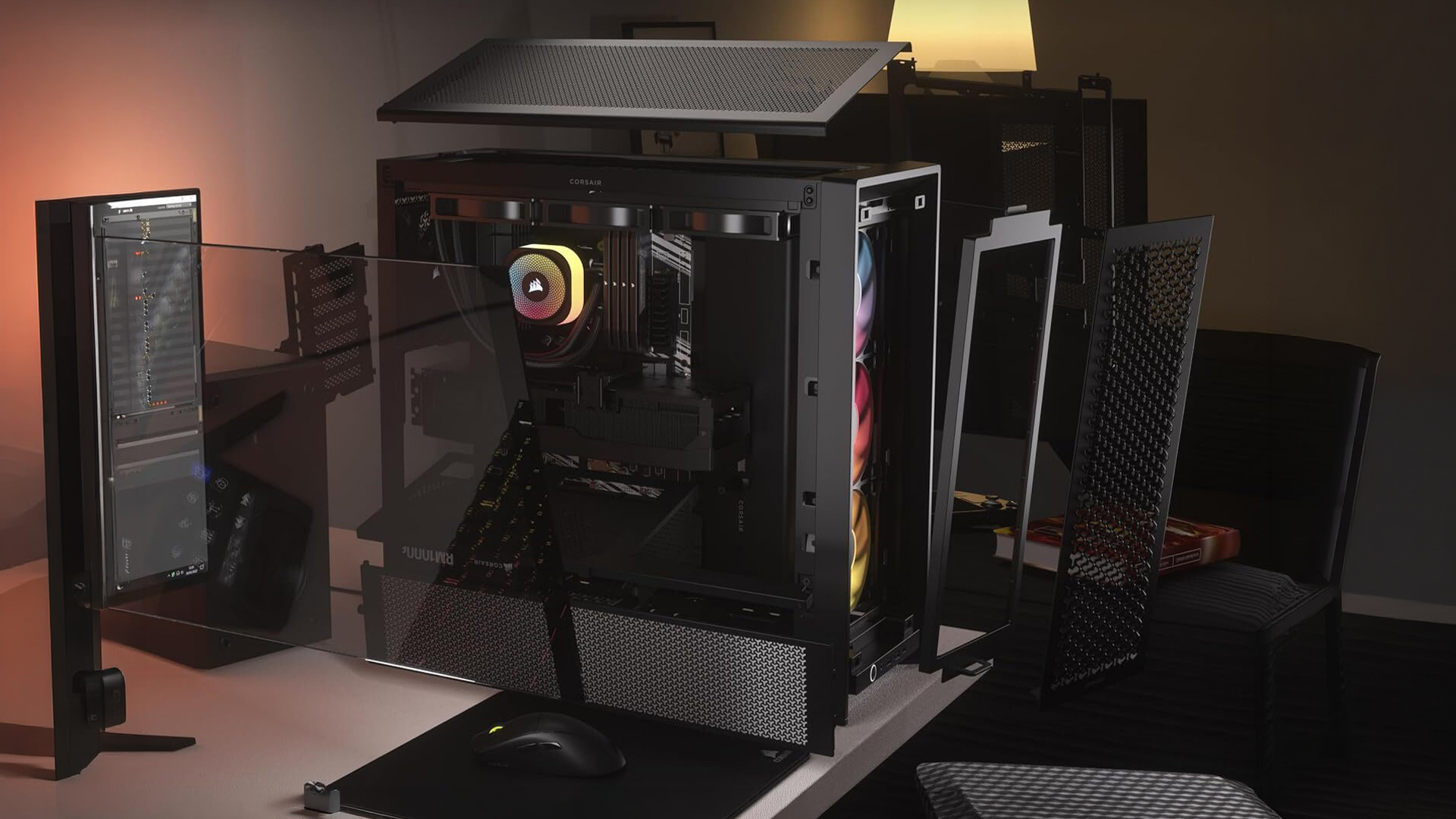
The Corsair 4000D RS is a strong airflow case that balances cooling performance, build quality, and ease of assembly. The mesh front panel and included fans provide strong airflow for high-performance GPUs. It also provides generous GPU clearance and clean cable management options, making it a practical choice whether this is your first PC build or an upgrade from older hardware.
Corsair RM850e 850W 80+ Gold
The power supply is one of the most important reliability components in any PC build. The Corsair RM850e provides enough power headroom for both GPU options while maintaining excellent efficiency and build quality. 850 watts ensures comfortable headroom for future graphics card upgrades, and the fully modular design keeps cable management clean during the build. Avoid cutting costs on the PSU. It is the one component that can damage everything else in the system if it fails.
Compatibility Checklist
The parts in this build are fully compatible. The checklist below covers the most important things to verify before ordering.
- CPU and motherboard: The Ryzen 7 9800X3D uses the AM5 socket and is fully compatible with the ASRock B650 Pro RS WiFi.
- Memory: The motherboard supports DDR5 memory. The 32GB DDR5-6000 kit runs with Ryzen EXPO profiles enabled. Install in slots A2 and B2 for dual-channel operation.
- Cooler: The Thermalright Peerless Assassin 120 SE includes AM5 mounting hardware.
- GPU clearance: The Corsair 4000D RS provides enough space for large modern GPUs including the RX 9070 XT.
- Power supply: The 850W Corsair RM850e provides comfortable headroom for both GPU options and future upgrades.
- Storage: The B650 motherboard includes multiple M.2 slots for the Samsung 990 EVO Plus and future SSD expansion.
Upgrade Path
One of the advantages of building at the $2000 tier is that the system already starts with extremely capable hardware. Most future upgrades will focus on extending lifespan rather than correcting weaknesses.
- GPU upgrade: The easiest future upgrade. The 850W PSU is already capable of supporting more powerful next-generation graphics cards.
- Additional storage: Adding another NVMe SSD is the most common upgrade once your game library grows. The motherboard has the M.2 slots to support it.
- Future Ryzen CPUs: The AM5 platform supports future Ryzen processors, keeping the upgrade path open without replacing the motherboard or memory.
Monitor Pairing
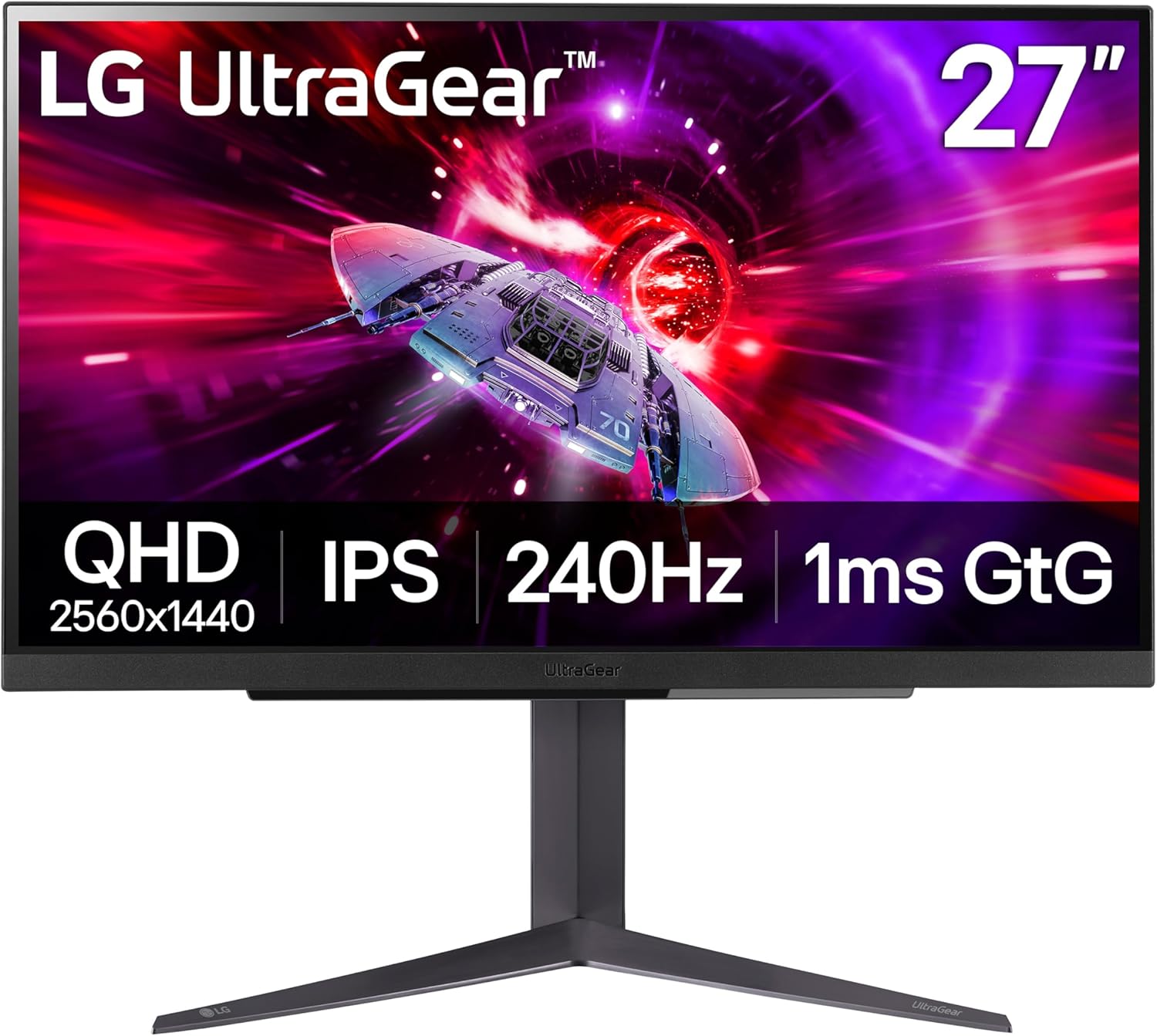
This build is designed primarily for high-refresh 1440p gaming, and the right monitor makes a significant difference at this performance level. The RX 9070 XT pushes well above 165 FPS in most competitive titles at 1440p, so pairing it with a monitor that can actually display those frame rates is worth prioritizing.
Not sure which monitor makes the most sense for your GPU and how you play? Use the GPU Monitor Match Tool above to get a recommendation in seconds.
- Competitive gaming: A 240Hz 1440p monitor takes full advantage of the high frame rates this system delivers in esports titles
- Balanced gaming: A 165Hz to 180Hz 1440p monitor is the sweet spot for most players at this build tier
- 4K gaming: A 4K 120Hz or 144Hz display is a strong pairing if you prefer resolution over maximum frame rates
- See our Best 1440p Gaming Monitors 2026 for our top picks at this resolution
- See our Best 4K Gaming Monitors 2026 if you are considering the resolution upgrade
- Not sure which resolution is right for this GPU? See our 1440p vs 4K Gaming 2026 guide
Frequently Asked Questions
Is $2000 enough for a high-end gaming PC?
Yes. A $2000 gaming PC sits firmly in the high-end tier. At this budget you can combine one of the fastest gaming CPUs available with a GPU capable of excellent 1440p ultra performance and credible 4K capability, without pushing into much more expensive enthusiast territory.
Is the RX 9070 XT better than the RTX 5070 at this tier?
For native rasterization at 1440p, yes. The RX 9070 XT delivers a meaningful performance lead over the RTX 5070 in most tested titles and comes with 16GB of VRAM versus the 5070’s 12GB, which matters more as you push into 4K or higher texture settings. The RTX 5070’s advantage is DLSS 4 and Frame Generation. If those features are important to you, it is a reasonable alternative. For a full breakdown see our RX 9070 XT vs RTX 5070 comparison.
Can this build run games at 4K?
Yes, for many titles. The RX 9070 XT handles a good number of modern games at 4K high settings with playable frame rates, especially with FSR upscaling enabled. This build is primarily optimized for 1440p ultra where it delivers its best overall performance, but 4K is a credible secondary option. See our 1440p vs 4K Gaming 2026 guide for a full breakdown of what to expect.
What monitor should I pair with this build?
For most players, a 1440p 165Hz to 180Hz IPS monitor is the ideal pairing. Competitive players who want to maximize frame rate utility should look at 240Hz 1440p options. If 4K is the priority, a 4K 120Hz or 144Hz panel pairs well with the RX 9070 XT. Use the GPU Monitor Match Tool above to get a recommendation based on how you actually play.
How long will this gaming PC last?
A system at this tier should comfortably deliver strong 1440p gaming performance for five or more years. The Ryzen 7 9800X3D is a long-term CPU investment, and the RX 9070 XT with 16GB of VRAM gives the GPU side more room to age than 12GB alternatives. Over time you may lower individual settings in newer games or upgrade the GPU to extend performance further.
Final Verdict
If you want elite 1440p gaming performance without stepping into the much more expensive enthusiast PC tier, this $2000 gaming PC build is one of the best configurations available in 2026. The combination of the Ryzen 7 9800X3D and the RX 9070 XT delivers excellent frame rates in modern games, strong minimum FPS stability, and enough GPU power to explore 4K gaming when you want it.
The RX 9070 XT is the GPU we would feel most comfortable recommending at this tier. Its 16GB of VRAM and native rasterization lead over the RTX 5070 make it the stronger long-term choice, especially if you plan to eventually push into 4K. Combined with fast DDR5 memory, 2TB of storage, and a reliable 850W power supply, this system delivers both performance today and upgrade flexibility for years.