
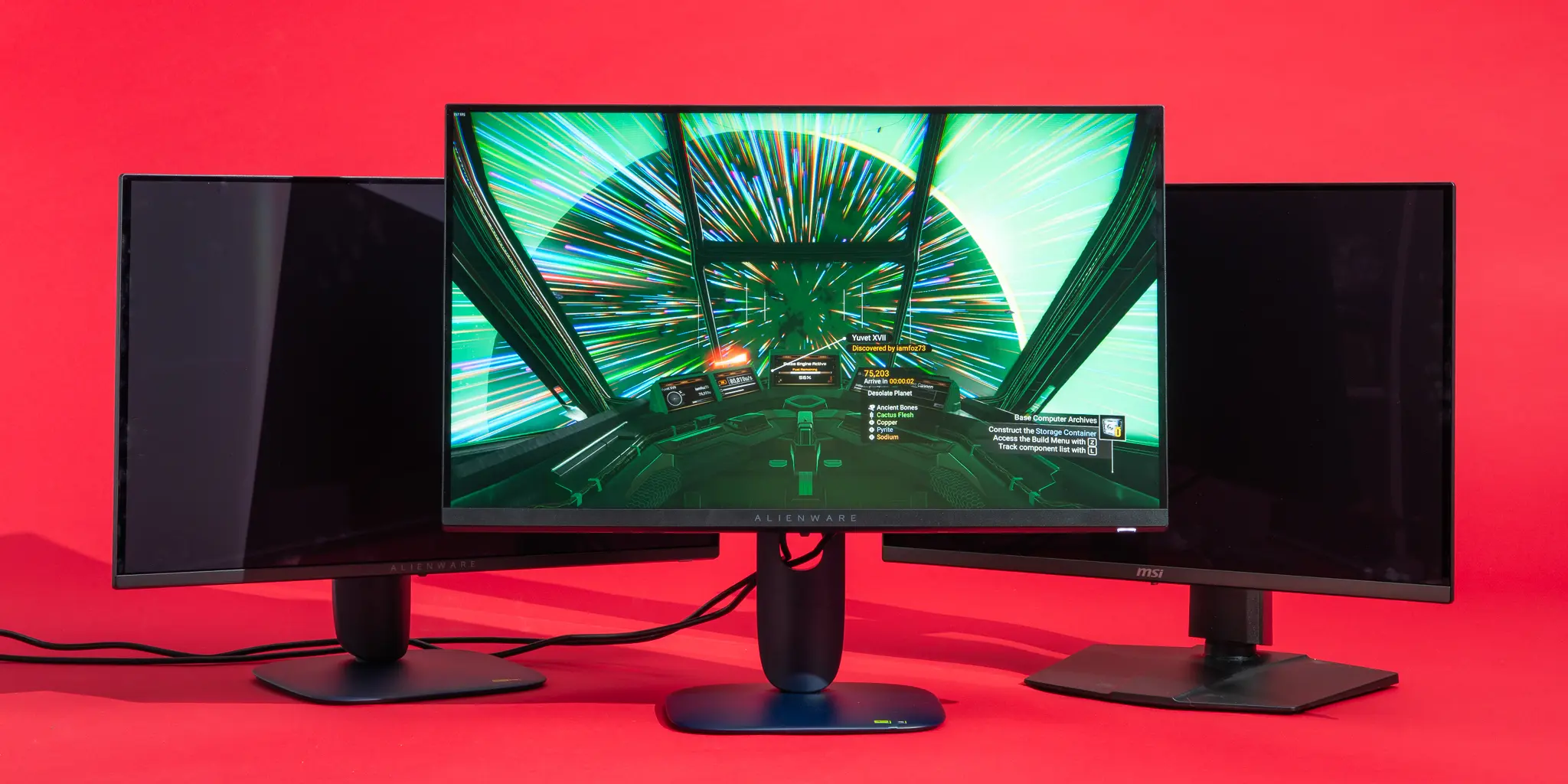
Figuring out what monitor should I get for gaming comes down to your GPU and how you play. Use the tool below to get a personalized recommendation in seconds.
Most gamers don’t choose the wrong monitor because of specs. They choose the wrong setup.
Resolution, refresh rate, and GPU performance all need to work together. When they don’t, you either overspend or underperform.
Use the tools below to find the monitor setup that actually fits how you play.
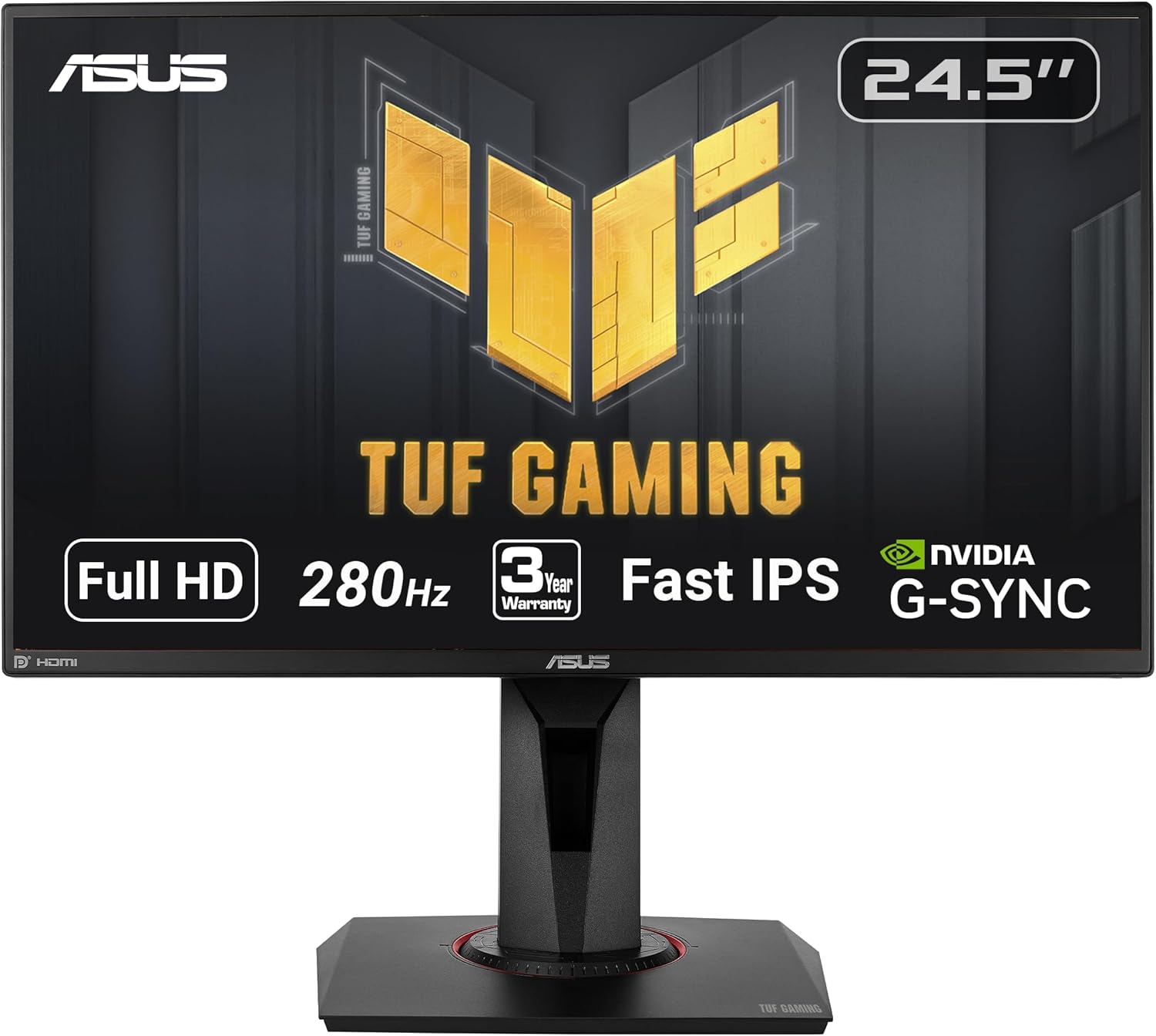
Best Setup for 1080p Gaming
1080p is all about speed and accessibility. It’s the best choice for competitive players, high frame rates, and budget-friendly builds. If your goal is maximum responsiveness or you’re building around mid-range hardware, this is where most setups start.
Find your ideal 1080p setup below:
Best Setup for 1440p Gaming
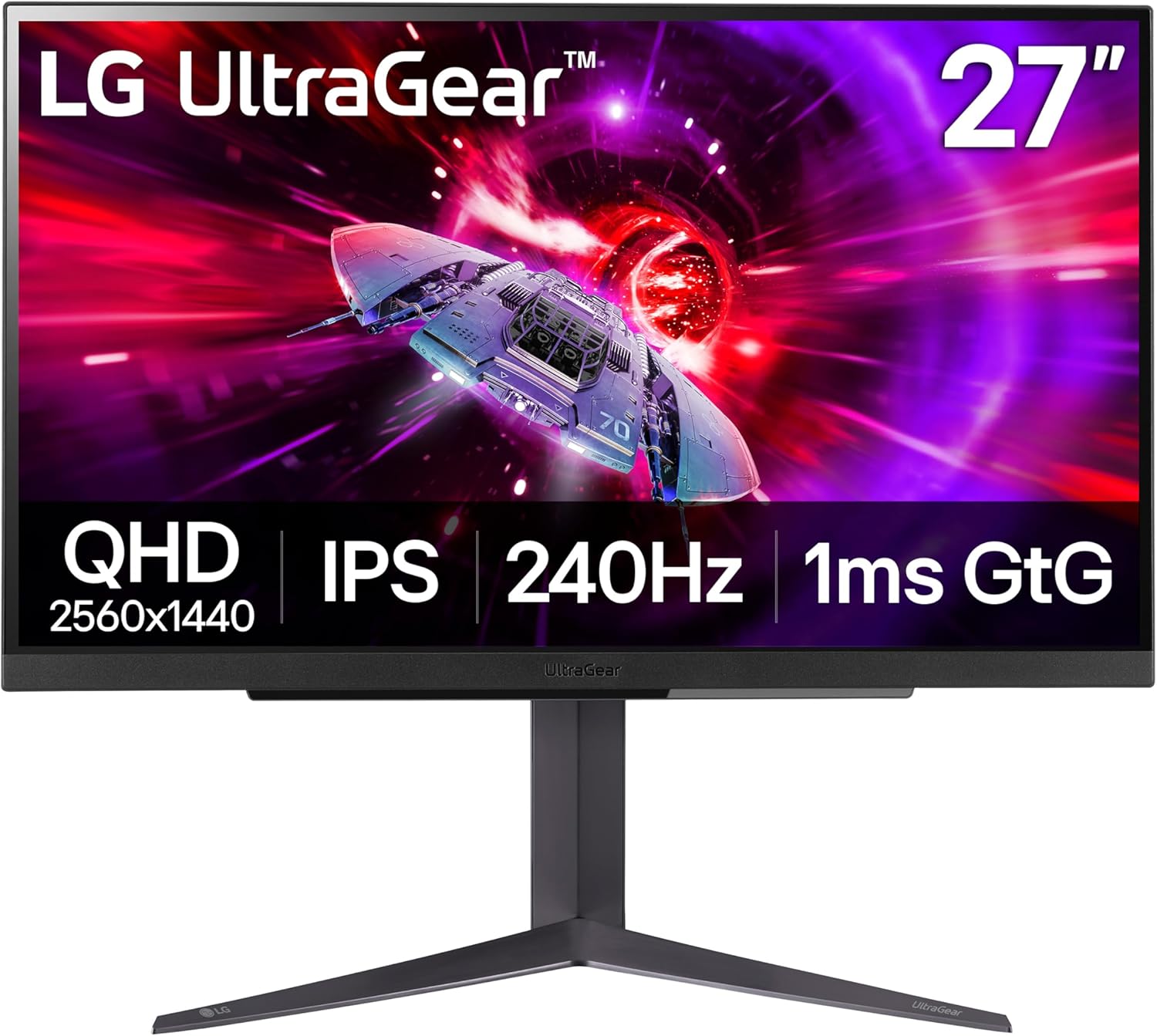
1440p is the sweet spot for modern PC gaming. It delivers a noticeable jump in visual quality over 1080p while still allowing strong frame rates on most mid-to-high-end GPUs. For the majority of players, this is the best balance between performance and visuals.
Find your ideal 1440p setup below:
Best Setup for 4K Gaming
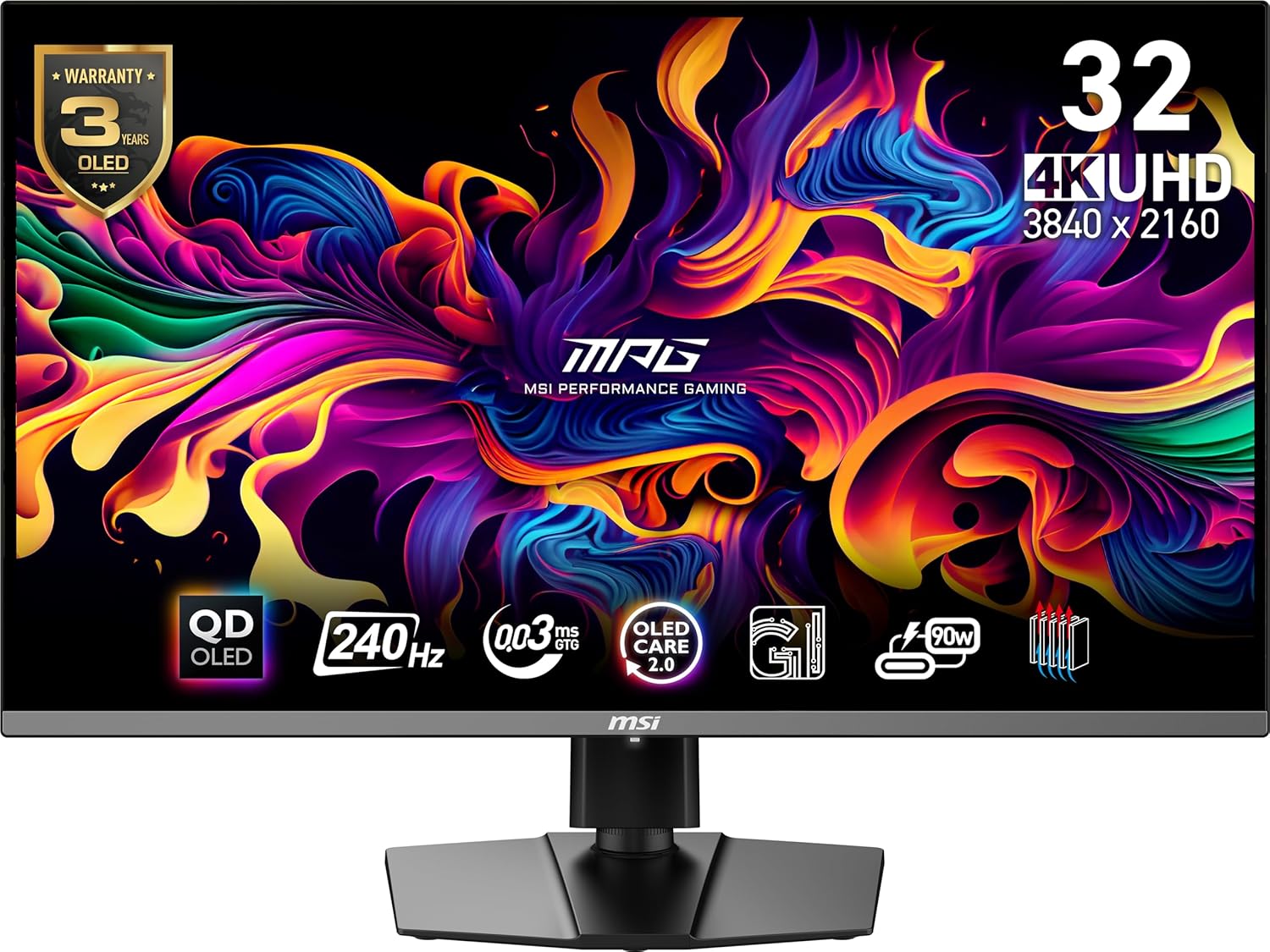
4K is built for high-end systems and visual-first experiences. It offers the sharpest image quality and the most immersive gameplay, but it also demands significantly more from your GPU. This is the right choice if you’re prioritizing detail, clarity, and premium hardware.
Find your ideal 4K setup below:
Which Resolution Should You Choose?
If you’re not sure where you fit, here’s the simplest way to think about it:
1080p
Competitive gaming, high frame rates, budget-friendly
1440p
Best overall balance. Ideal for most gamers.
4K
Sharpest image quality. Built for high-end hardware.
Pairing Your Monitor With the Right GPU
Your monitor choice only works if your GPU can actually support it. If you already know your resolution, use these guides to find the best GPU match:
Best GPUs for 1080p Gaming (2026)